CNC Oscillating Knife Cutter Firmware and Software Update Supplier

The latest firmware is not always the best firmware.
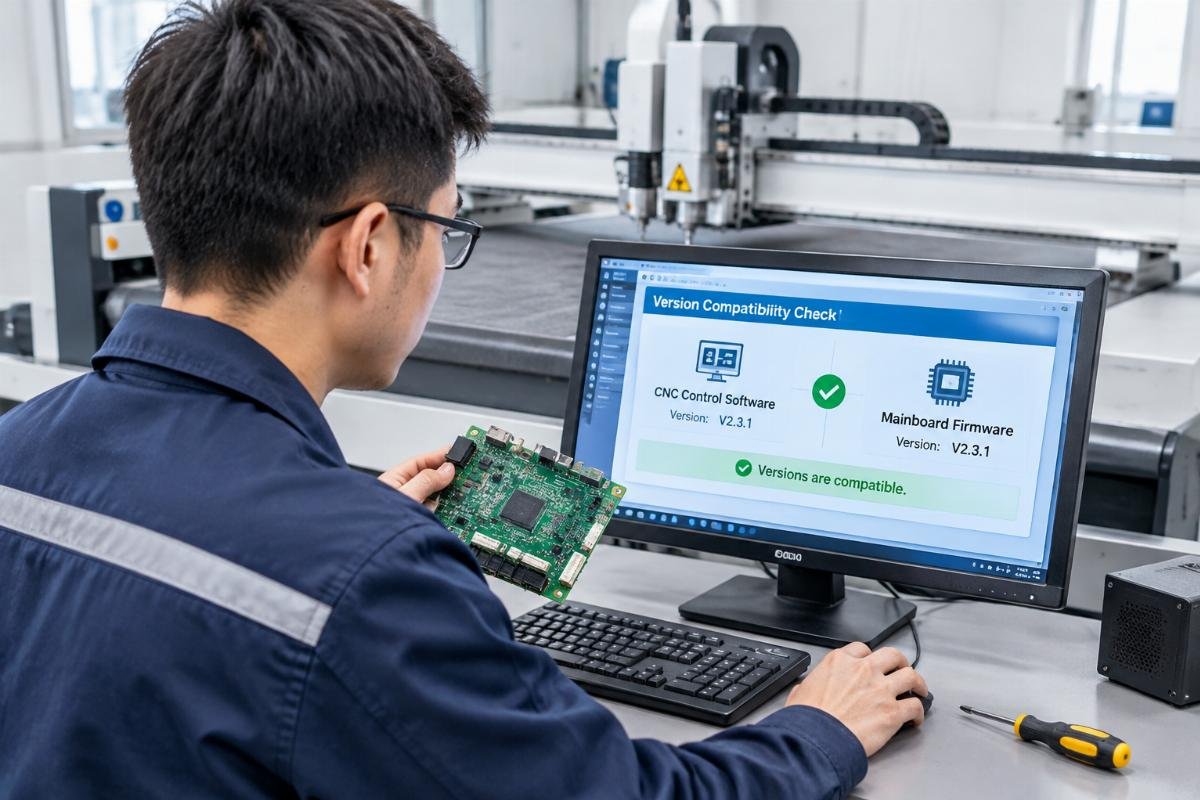
To update a CNC oscillating knife cutter without losing settings, you must first back up all machine-specific parameters including tool offsets and origin points, ensure the software version strictly matches the mainboard firmware version to prevent logic conflicts, and perform a post-update calibration test to verify ±0.1mm precision before resuming production.
I still remember the panic in a client’s voice over a late-night call from Dubai. They had just updated their packaging sample maker to the newest software release, eager to access the latest nesting features. Within minutes, the machine began cutting corrugated cardboard with a deviation that exceeded one millimeter. The vibration knife was oscillating correctly, but the motion control logic was out of sync. I spent the next two days remotely debugging the system, not because the hardware was faulty, but because the firmware on the mainboard had not been aligned with the new software package. This incident reinforced a critical lesson in industrial maintenance: updating CNC cutting machine firmware and software is not a simple click-through process. It requires a disciplined approach to version control and parameter management.
For manufacturers in packaging, apparel, and automotive sectors, the pressure to maintain high throughput often leads to rushed maintenance procedures. However, treating a firmware update as a routine IT task rather than a mechanical calibration event can result in significant downtime. As a reliable CNC oscillating knife cutter firmware and software update supplier, we observe that most precision losses stem from skipped backup steps and version mismatches. This guide details the exact methodology to preserve your machine’s integrity during updates.
Why Do Firmware and Software Versions Need Strict Alignment?
Mismatched versions cause precision loss and system crashes due to logic conflicts in motion control algorithms.
Many operators assume that installing the latest software automatically upgrades the underlying firmware. This is a dangerous misconception. The software acts as the interface for design and nesting, while the firmware controls the physical movement of the oscillating knife, the vacuum pump, and the projection positioning system. When these two layers are not synchronized, the commands sent by the software may be interpreted incorrectly by the mainboard.
Consider the case of a leather goods factory that updated their cutting software to improve material utilization. The new software introduced a refined algorithm for multi-layer fabric cutting. However, the existing firmware did not support the updated communication protocol for tool offset adjustments. As a result, the machine reset its tool parameters to default values, leading to inaccuracies in cutting thick leather stacks. The downtime required for remote debugging extended to two days, whereas a planned, aligned update would have taken less than two hours.
| Component | Role in Cutting Process | Risk of Version Mismatch |
|---|---|---|
| Mainboard Firmware | Controls motor drivers, oscillation frequency, and I/O signals | Logic errors, motor stuttering, loss of ±0.1mm precision |
| Control Software | Handles CAD/CAM nesting, tool path generation, and user interface | Incompatible file formats, failed command transmission |
| Projection System | Aligns digital templates with physical material placement | Calibration drift, misalignment of cut paths |
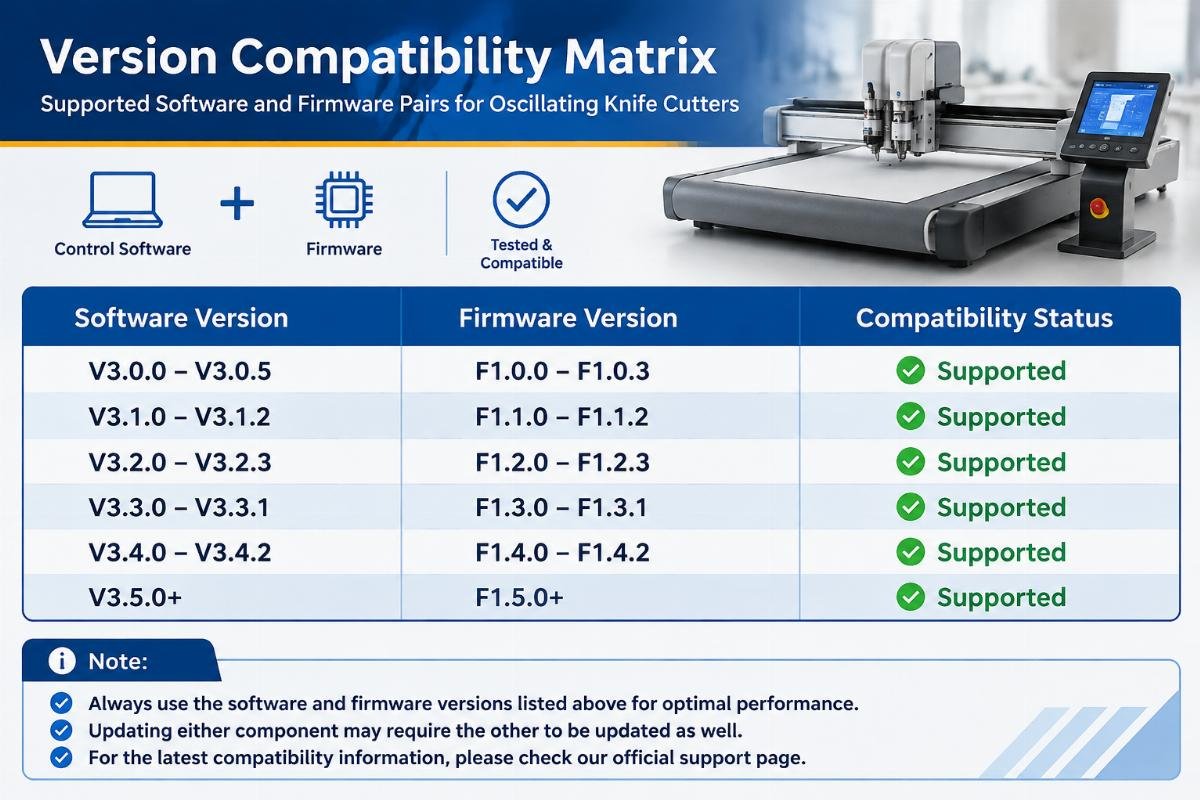
To avoid these issues, always consult the version compatibility matrix provided by your manufacturer. This matrix specifies which software builds are certified to work with specific firmware revisions. Ignoring this step is the primary cause of operational failures after an update.
What Parameters Must Be Backed Up Before Updating?
Tool offsets, nesting data, and origin points are easily lost during flashes and must be manually saved.
A common assumption is that updating software preserves all user settings. In reality, a firmware flash often resets the machine to its factory state. This means that all custom parameters calibrated for your specific materials and tools will be erased. For a CNC oscillating knife cutter firmware and software update supplier, emphasizing the backup process is crucial to preventing post-update chaos.
Before initiating any update, create a comprehensive backup checklist. This should include:
- Tool Compensation Values: Each oscillating knife has unique wear characteristics and offset requirements. These values are critical for maintaining cutting precision.
- Nesting Files and Material Libraries: Custom material settings for corrugated cardboard, foam, or leather ensure optimal cutting speed and edge quality.
- Origin Points and Calibration Data: If your machine uses camera positioning or projection systems, the calibration data linking the digital coordinate system to the physical table must be saved.
An automotive interior workshop once faced a severe setback when a firmware update interrupted the projection positioning calibration. The large-format table required hours of manual adjustment to realign the projection grid with the cutting head. Had they backed up the calibration data, this recalibration time would have been reduced to minutes.

Step-by-Step Guide to Updating Firmware Without Losing Settings
Follow the exact sequence: backup, flash, verify, and recalibrate to ensure a stable transition.
Updating your system requires a methodical approach. Rushing through steps can lead to corrupted files or bricked mainboards. As a trusted CNC oscillating knife cutter firmware and software update supplier, we recommend the following procedure to minimize risk.
- Verify Power Stability: Ensure the machine is connected to a stable power source. Use an uninterruptible power supply (UPS) if possible to prevent interruptions during the flash process.
- Export All Parameters: Use the software’s backup function to save tool offsets, material libraries, and calibration data to an external drive. Do not rely on local storage alone.
- Download Correct Files: Obtain the firmware and software packages that are explicitly matched for your machine model. Check the release notes for any specific prerequisites.
- Install Software First: Update the control software on your PC. This ensures the interface is ready to communicate with the new firmware.
- Flash the Firmware: Connect to the mainboard via the designated port. Follow the manufacturer’s instructions precisely. Do not disconnect or power off the machine until the process is fully complete.
- Restore Parameters: Import the backed-up data into the new system. Verify that all tool offsets and material settings are correctly loaded.
- Initial Test Run: Perform a dry run without material to check for any abnormal movements or error messages.
During a recent support case, a packaging manufacturer skipped the power stability check. A brief voltage fluctuation during the firmware flash corrupted the mainboard boot sector. This required a physical replacement of the board, causing a week-long delay. Adhering to the step-by-step protocol prevents such avoidable disasters.

How to Verify Cutting Precision After the Update?
Run standard test cuts to ensure ±0.1mm accuracy is restored before full production.
The update is not complete until precision is verified. Even if the machine runs without errors, subtle shifts in calibration can affect cutting quality. For industries like packaging and apparel, where tolerance is tight, this verification step is non-negotiable.
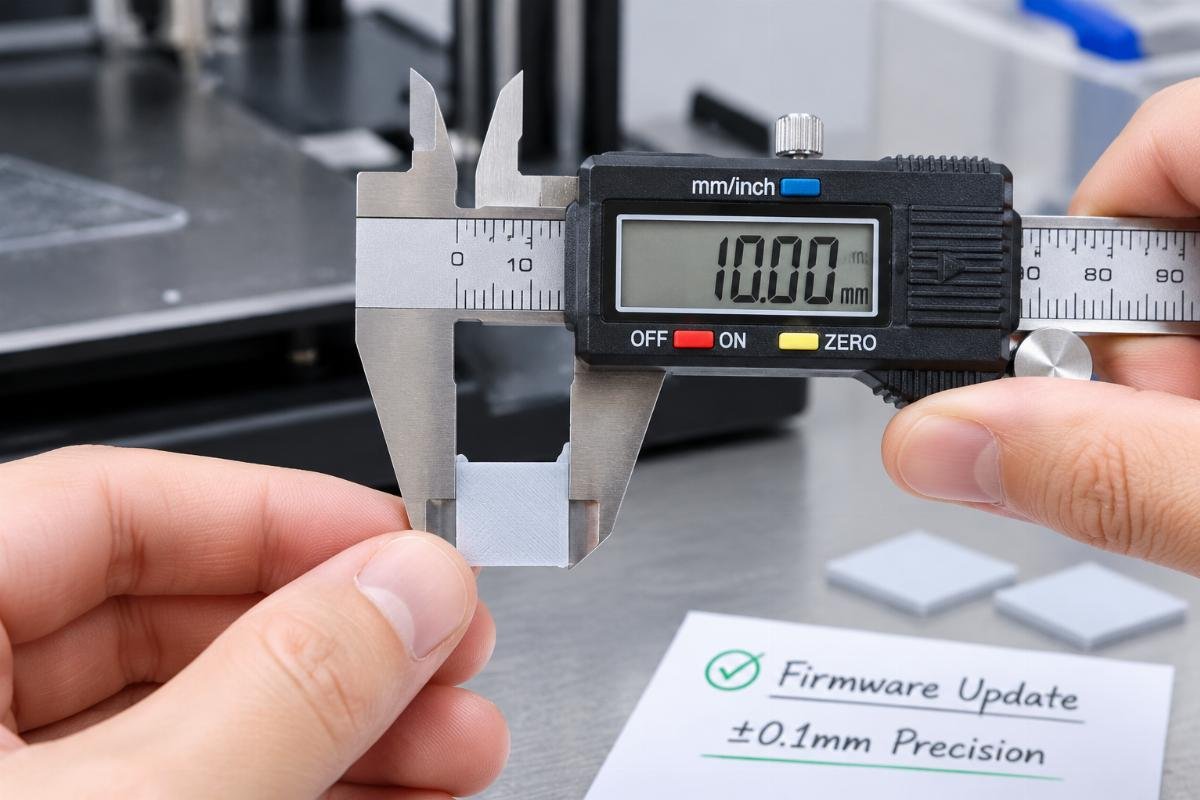
Perform a test cut using a standard shape, such as a square or circle, on a scrap piece of your typical material. Measure the dimensions with a calibrated caliper. The deviation should remain within the ±0.1mm precision range specified for your machine. If the deviation exceeds this limit, re-check the tool offsets and perform a fresh calibration of the cutting head.
Additionally, inspect the edge quality. For oscillating knife cutters, the edge should be clean and free from burrs or excessive vibration marks. If the edge quality has degraded, adjust the oscillation frequency and amplitude in the software settings. These parameters may have reset to defaults during the update.
A textile factory recently noted that their multi-layer fabric cuts were no longer clean after an update. By verifying the precision and adjusting the oscillation parameters, they restored the edge quality and resumed efficient production. This highlights the importance of post-update validation.
Conclusion
Precision is preserved through preparation, not just installation.
Updating your CNC oscillating knife cutter requires strict adherence to version alignment and thorough parameter backup. By following these steps, you ensure that your machine maintains its ±0.1mm cutting precision and operational stability. For complex updates or version matching concerns, leveraging expert technical support can prevent costly downtime and ensure your production line remains efficient.